Lineage

A new way of building music cue sheets.

Try Lineage
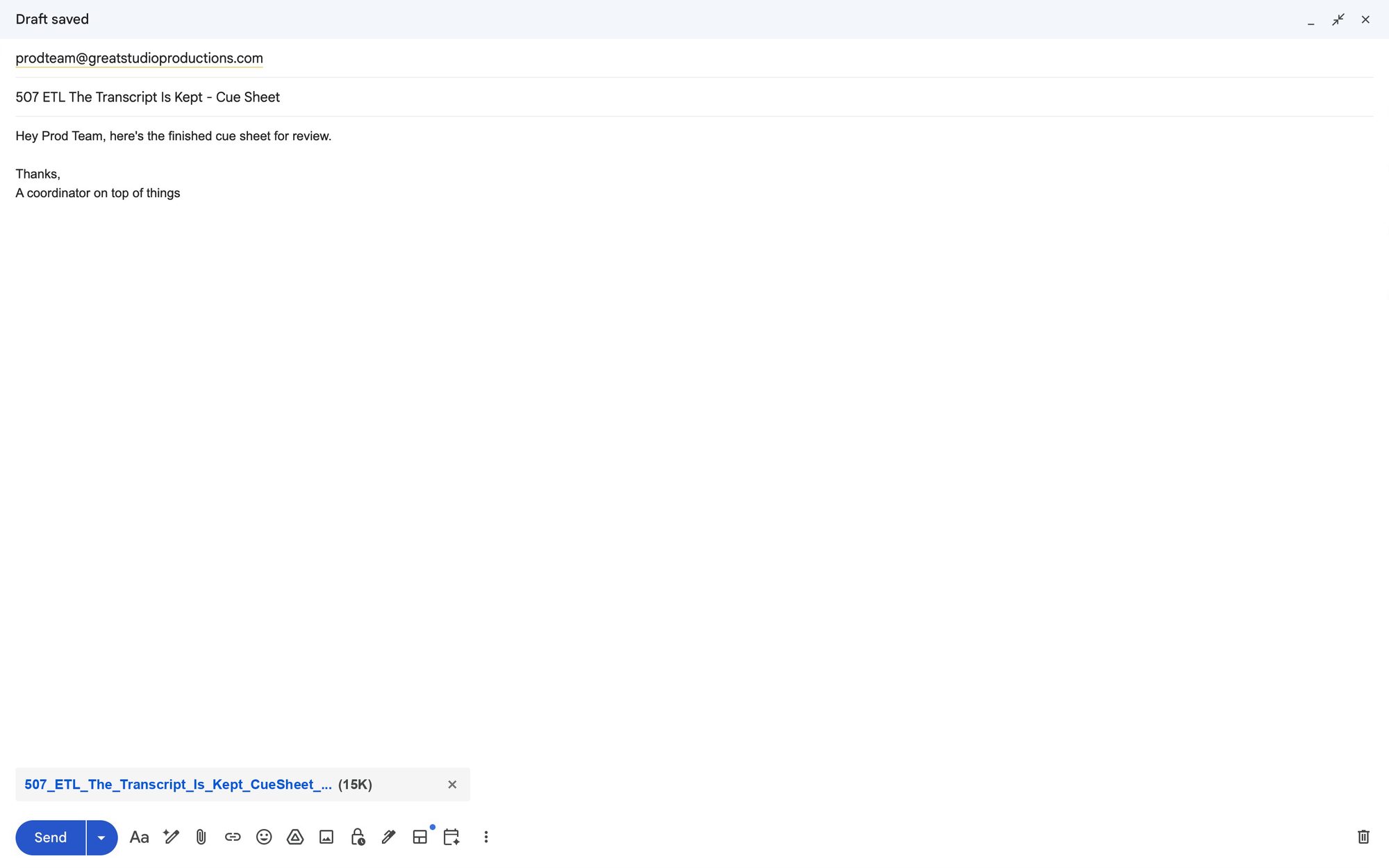
A cue sheet in Lineage built from a Pro Tools session: work titles, usage, in and out times, and writers and publishers.

Product Design

Folks making lots of cue sheets perform three tasks repetitiously: defining records, attributing authorship to those records, and formatting the document to a company standard. Lineage elegantly provides an integrated experience for all three of these tasks.

Defining Records

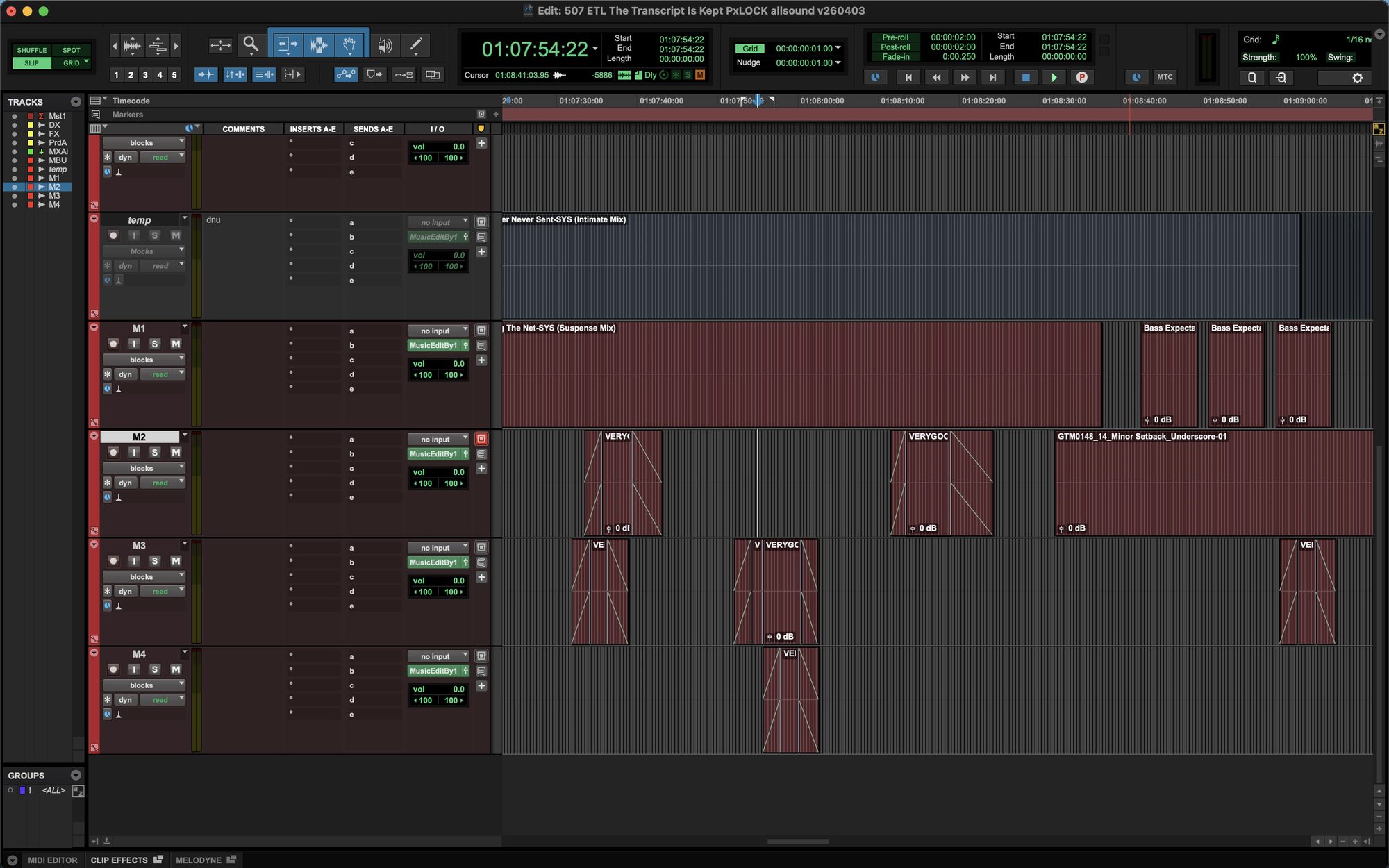
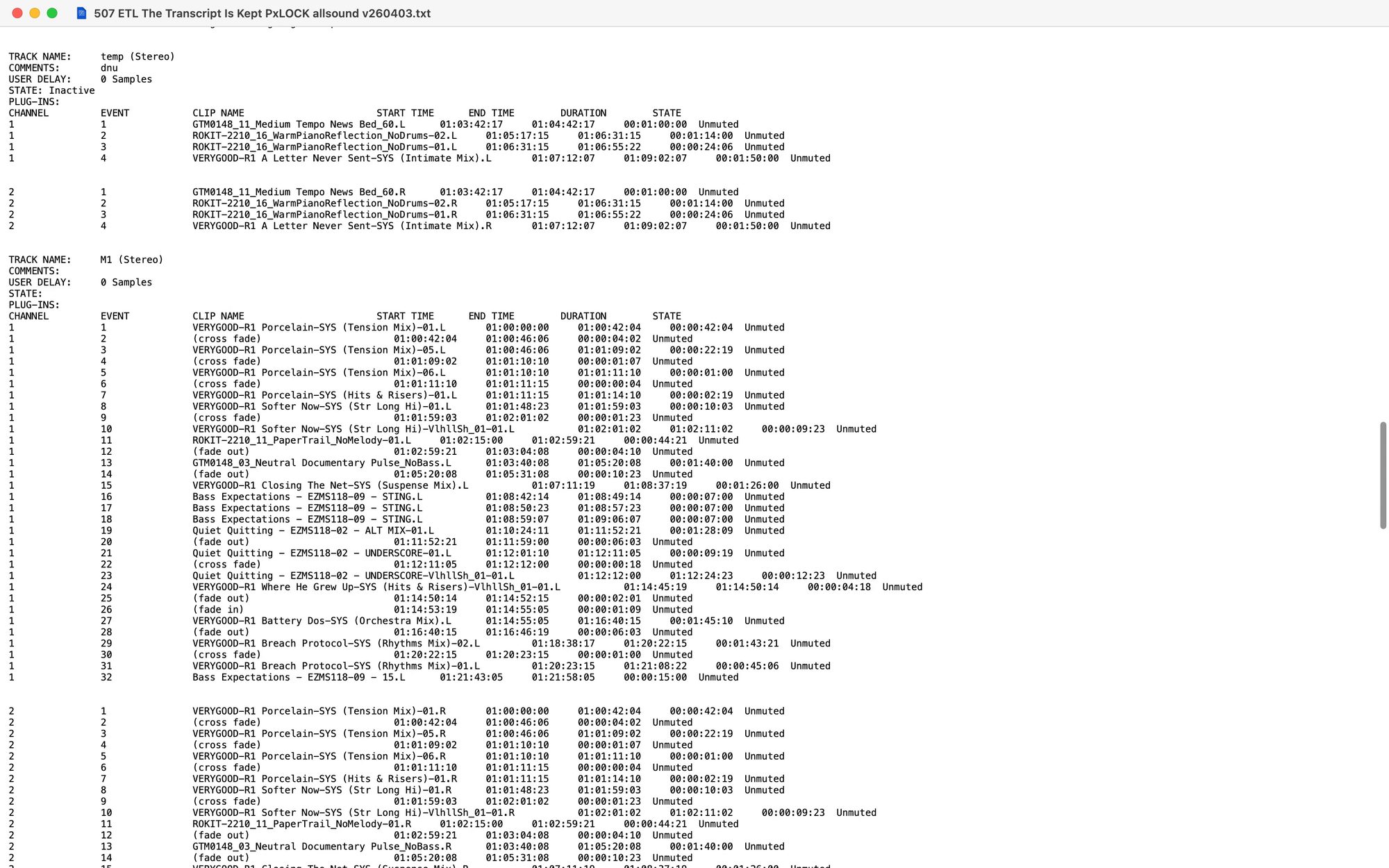
Lineage's tooling analyzes a sequence file and constructs the cue sheet structure. This looks like the main body of a cue sheet without the authorship values. Currently, Pro Tools EDLs and .PTX files back to 2021 are supported.

The scripted defaults should cover you 99% of the time. For the 1% it doesn't, it's easy to change track selection, adjust your exported timeline, and exclude stray clips.

Choosing which Pro Tools tracks are music tracks for the cue sheet.

Attributing Assets

Lineage looks up each cue through the detected library's own public search, the same way you would do so manually. Libraries can also send their catalog to us to throw on Lineage's private server for faster, more complete results.

A routine batch query of 50 music works usually returns favorably in 30 seconds. "Favorably" means that many/all of them appear correct and it missed few/none that you end up analyzing differently.

You can also choose for Lineage to guess the attribution of assets whose filenames conform to known patterns. This means that attributions will be "borrowed" for records that look similar to known records, and shown to you to confirm.

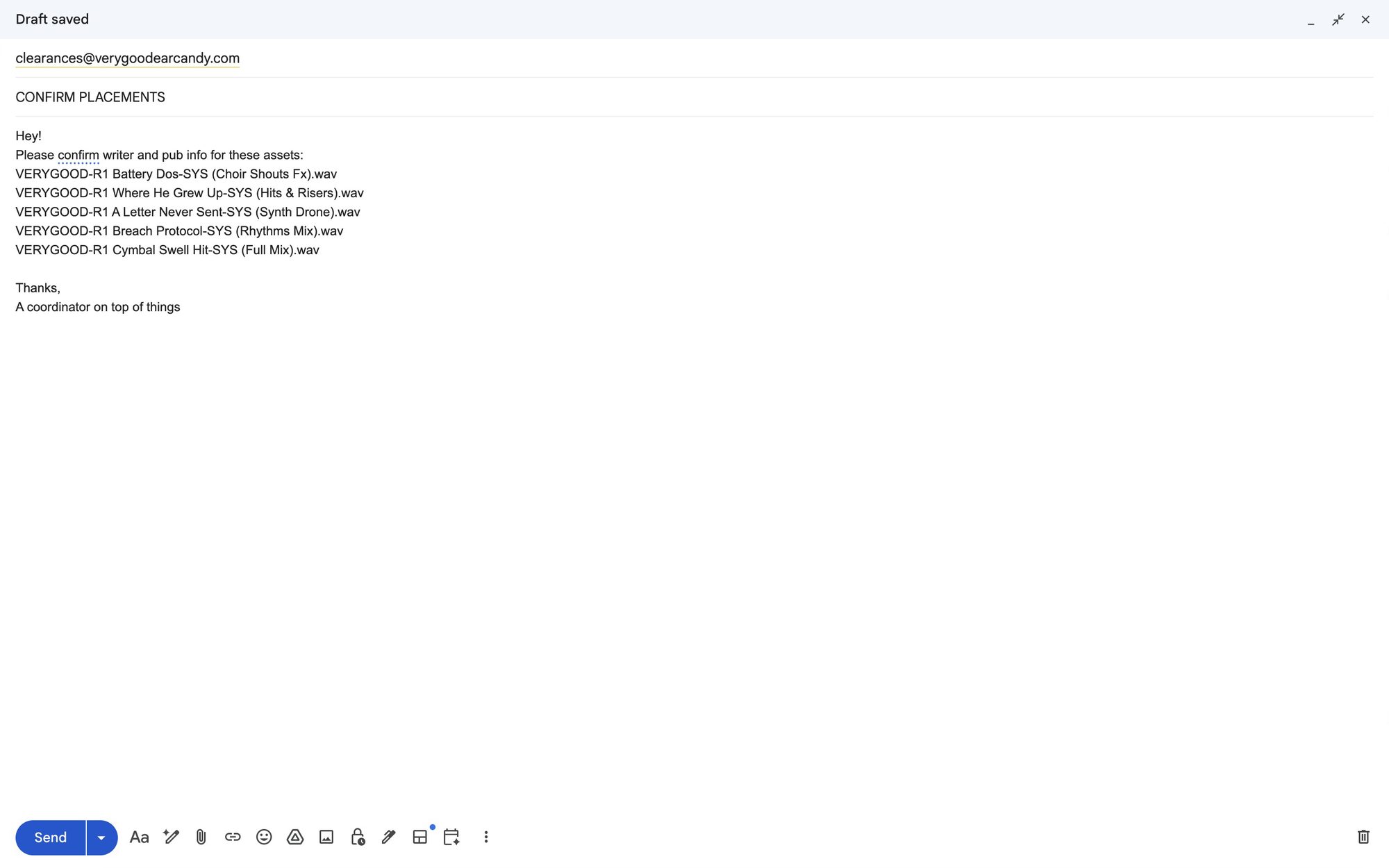
Participating production music libraries are automatically notified whenever you build a cue sheet with their confirmed or suspected assets, with an abbreviated list of exclusively their records. Employees of the library can easily confirm or edit the attribution of their works, including any works Lineage left unattributed, and your app will notify you. You can accept or decline any change they suggest.

Work titles with the writers and publishers Lineage found for each.

Formatting The Document

Since company templates are often preferred over mainstream "standardized" templates, Lineage accepts uploads of example cue sheets from your company (in progress). It walks you through mapping the app's schema onto your upload in a process your 5 year old could understand. Once you save it, you can use it as an XLSX or PDF template for future exports. Today, choose from two popular exportable formats.

Disclaimers & Statements

  • Lineage doesn't use traditional authentication at this point. Your cue sheets are kept locally in your browser storage. If you clear your history, wipe cookies or clear caches, they will disappear.
  • This is not project management software. Please continue enjoying and using CueDB, Google Sheets, etc. to manage your wonderful projects!
  • Lineage isn't an AI product. The parsing and the integrated experience are possible through careful engineering and observation of patterns observed in employees, media music files, and general industry experience.
  • Lineage sends the text strings of the media music files in your session to the Lineage private server for analysis and search.
  • The Lineage private server stores per-music-library slivers of your cue sheet so that library employees can contribute to your document safely.
  • When you drag 'n drop a sequence file, the web app makes a temporary copy in browser storage for the local parser to do its thing. After that, the temporary copy of your sequence file is deleted and Lineage works off lightweight JSON and text.

Do you make cue sheets or run a music library?